- Joined
- Feb 9, 2025
- Messages
- 1,419
Online
By registering with us, you'll be able to discuss, share and private message with other members of our community.
SignUp Now!

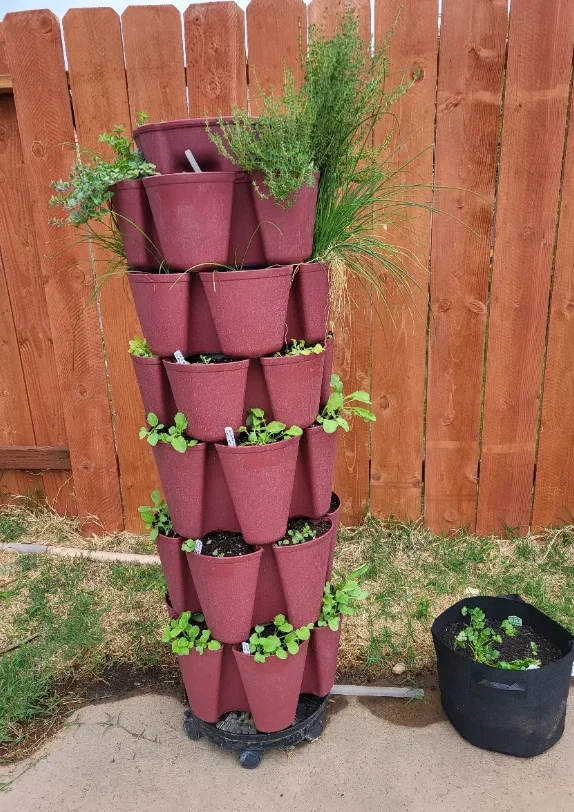
It spits out an error when I paste after it finishes downloading the pasted file. Firefox and Brave tried, no bueno. I'll just attach pics and let y'all click on them to see them.So if you copy paste your photo, if you click on the photo before you "post reply", it gives you the option to re-size & etc., all the stuff you see on the other forum.

| |
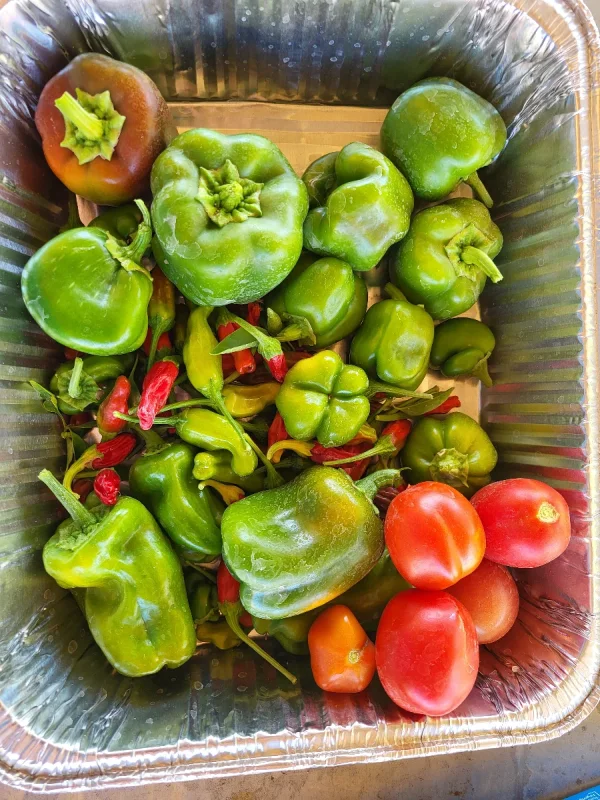
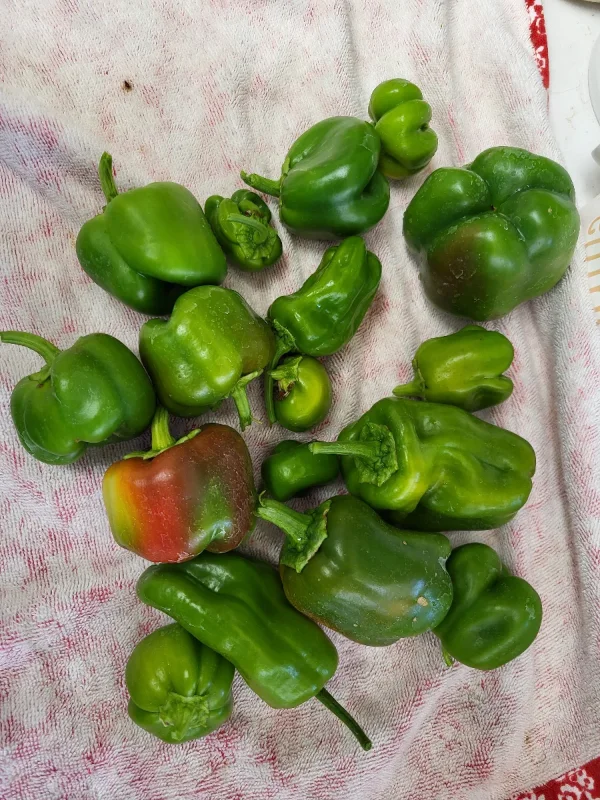
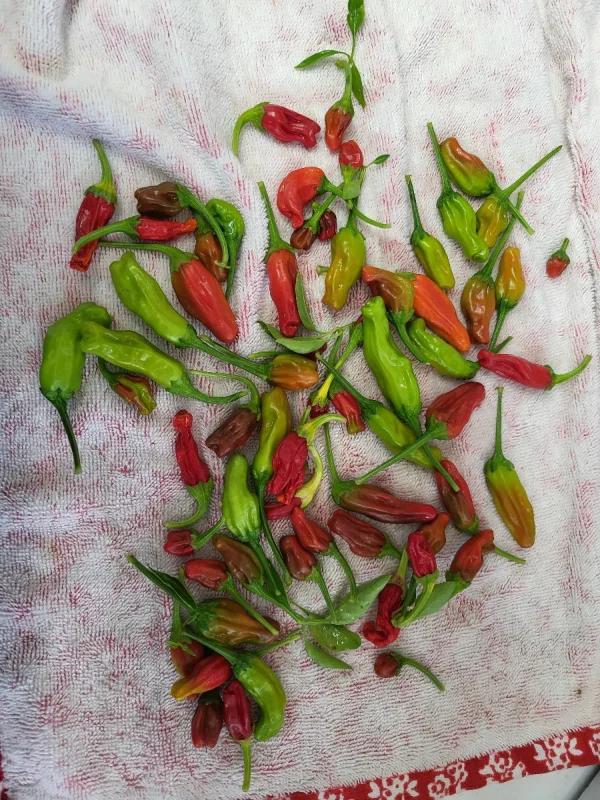
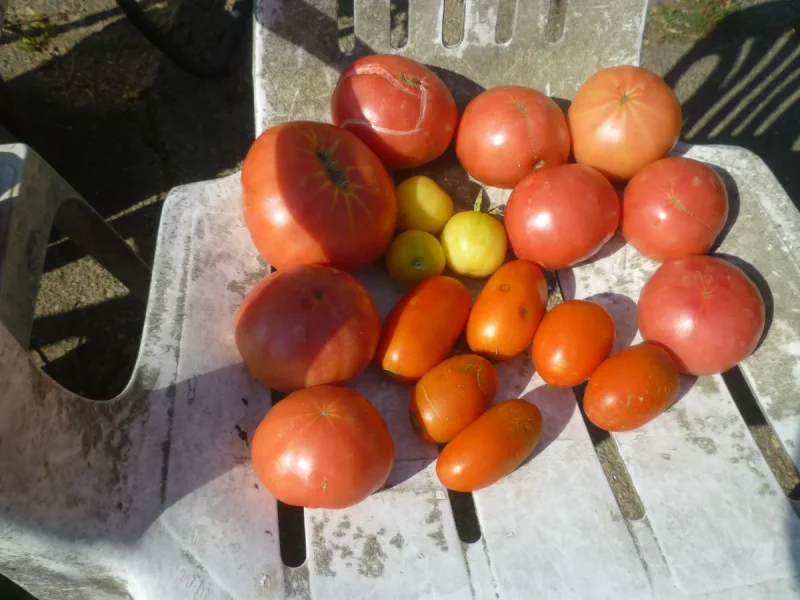
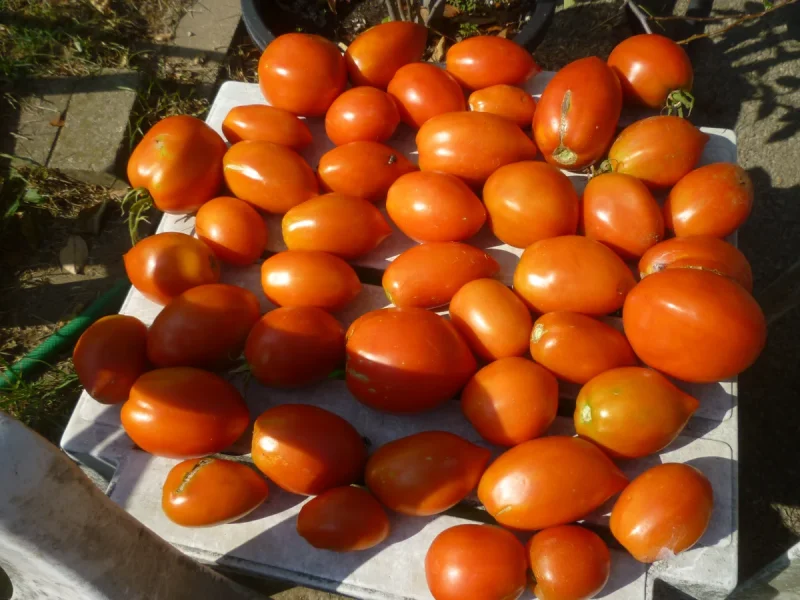
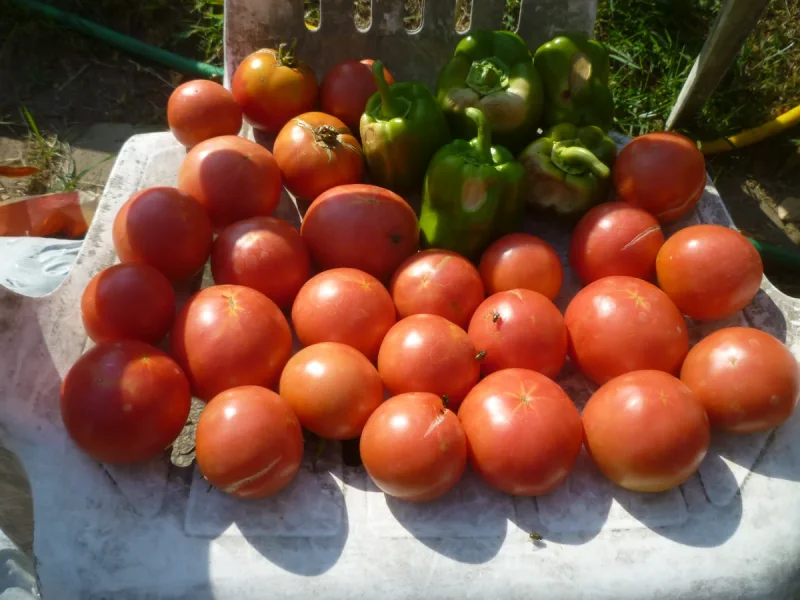
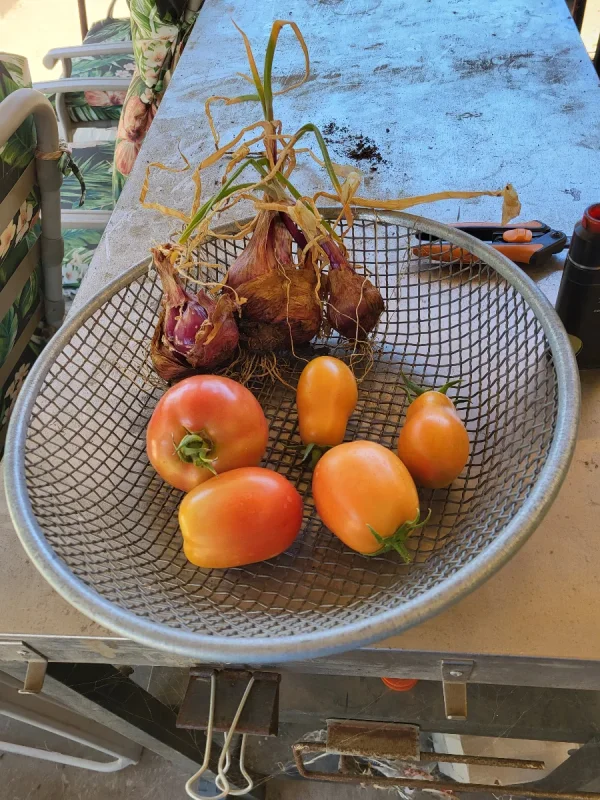
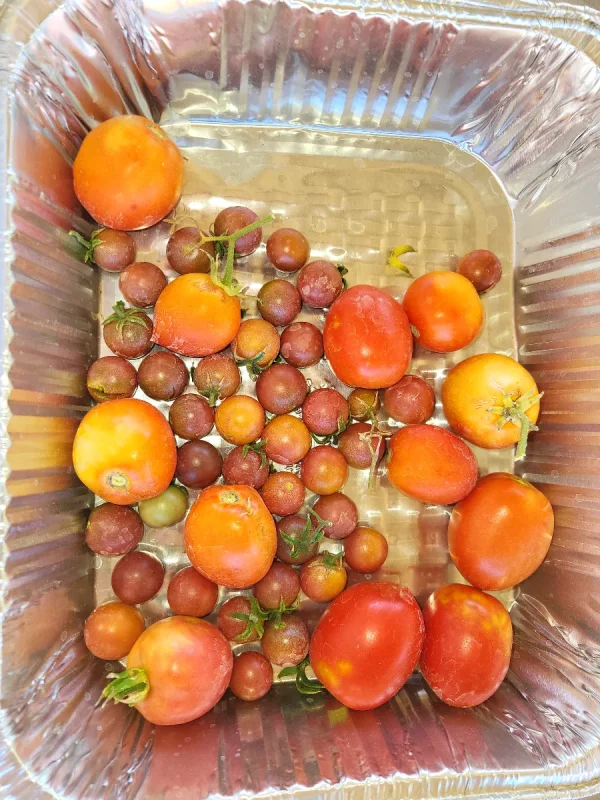
Here's what I found that works. Click the attach files button and chose your file. When if finishes loading it will show a thumbnail. On the thumbnail click on insert then click on thumbnail. Then just click on post reply and it should work.I took my best harvest since the groundhog and this forum wont take it and I sure don't know how to re-size it
Ok but when I try it it says Wrong size format or something like that, here let me try againHere's what I found that works. Click the attach files button and chose your file. When if finishes loading it will show a thumbnail. On the thumbnail click on insert then click on thumbnail. Then just click on post reply and it should work.


 The Grow Your Own Vegetables Team